


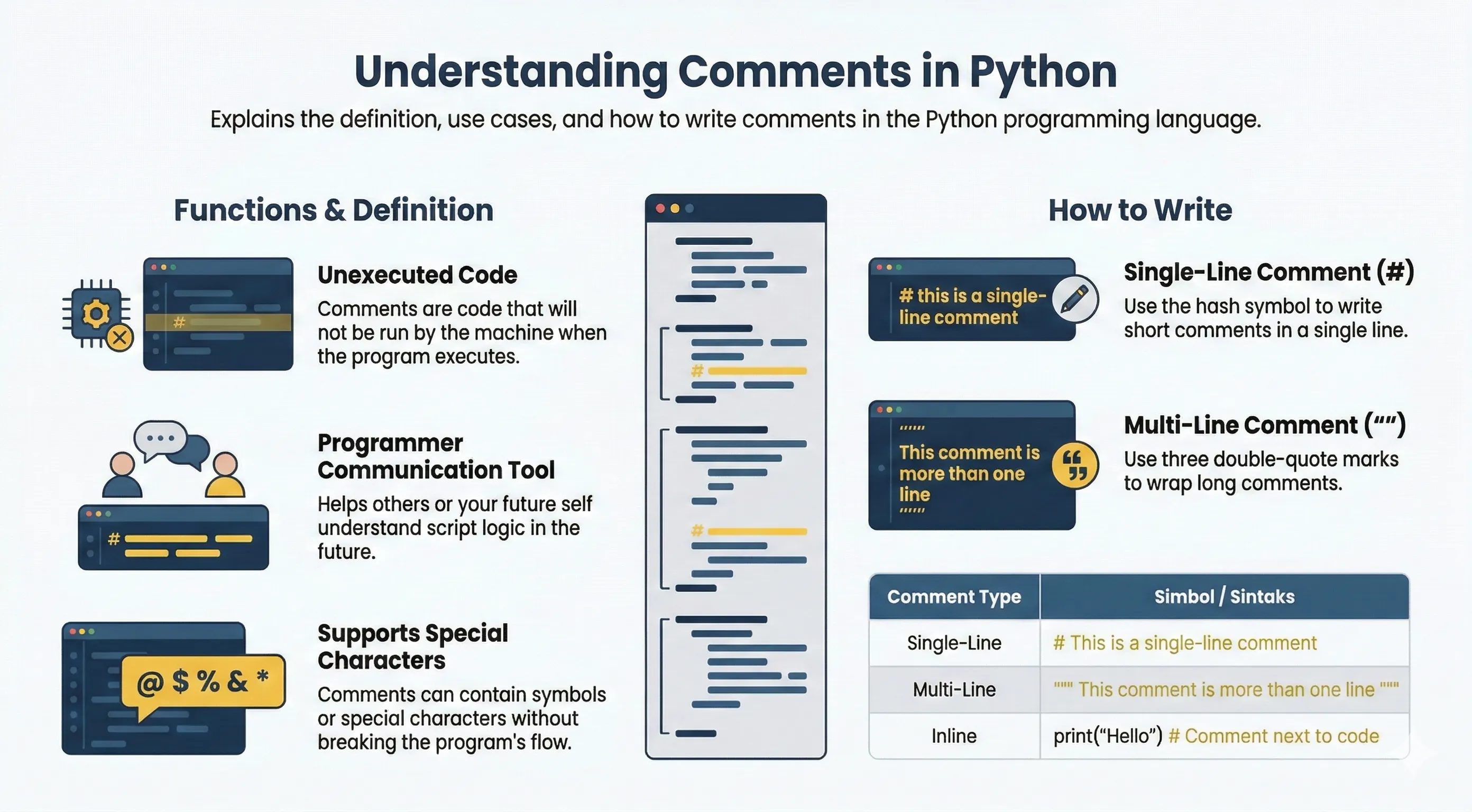
Comments are notes in source code that Python ignores during execution.
Use comments to explain intent, assumptions, and important details.
Single-Line Comments
Use #:
# This is a comment
print("Hello World")  # Inline comment
Multi-Line Explanations
Python has no dedicated multi-line comment syntax. The common style is multiple # lines:
# This block explains why we do something,
# not only what the code does.
# Keep comments concise and useful.
Triple-quoted strings (""" ... """) are strings, not real comments. They are usually used for docstrings.
Docstring Example
def greet(name):
    """Return greeting text for a name."""
    return f"Hello, {name}"
Complete Example
The following script shows how comments work alongside real code. Only the print() calls produce output:
# Print a greeting
print("Hello World")

# The line below is commented out, so it will not run
# print("This will not be printed")

print("Bob")    # prints a name
print(123)      # prints a number
Output:
Hello World
Bob
123
Good Commenting Practice
A good comment explains why the code does something, not what it does — the code already shows the what. Comments that just repeat the code add noise:
price = 20

# Bad: states the obvious
total = price * 2   # multiply price by 2

# Good: explains the reason
total = price * 2   # double charge applies on holidays
print(total)
A common convention is to mark unfinished work with # TODO: or # FIXME: so it is easy to search for later:
# TODO: handle negative input
def square_root(n):
    return n ** 0.5