


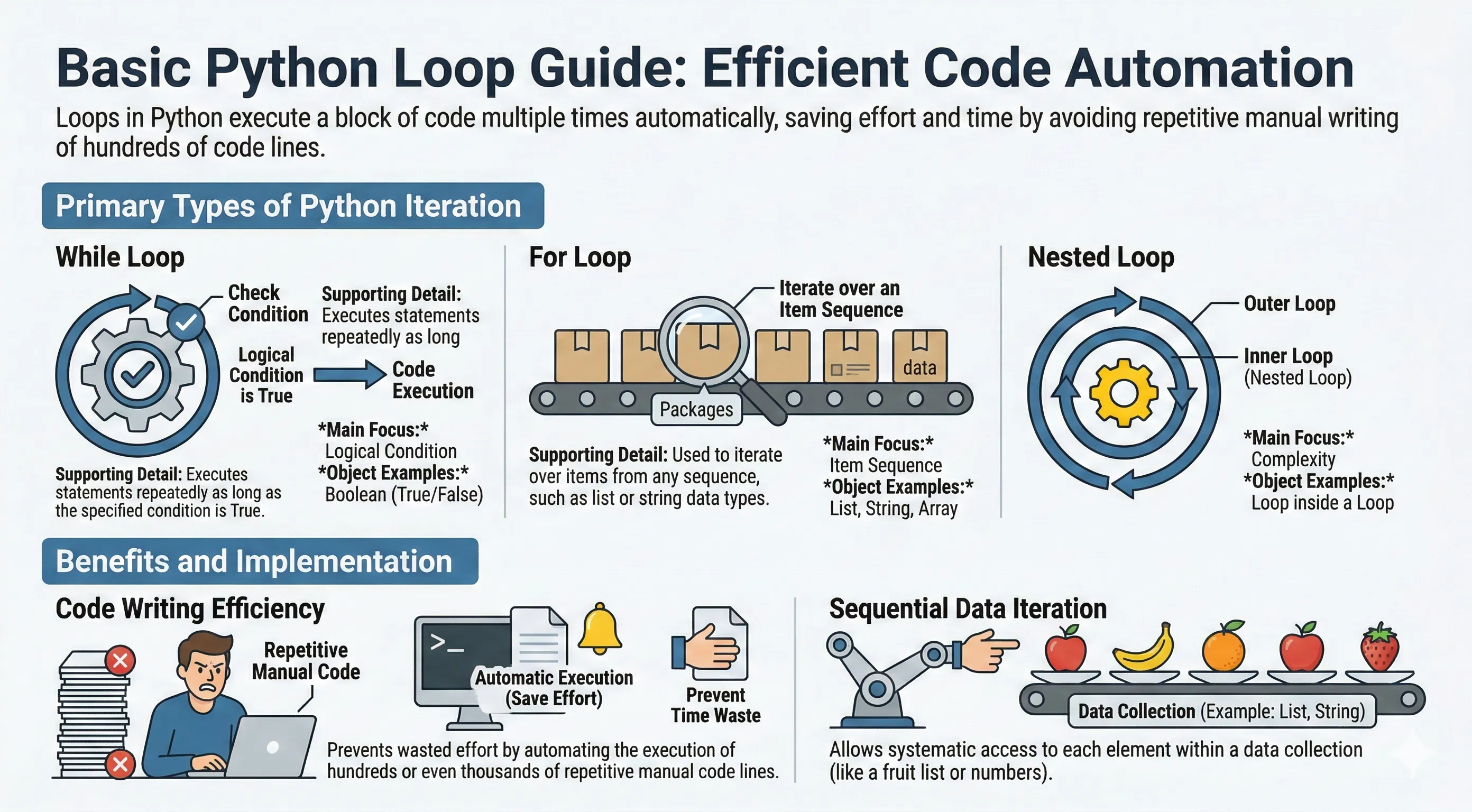
Normally, statements in a program run one after another, top to bottom. But often you need to run the same block of code many times — for every item in a list, or until some condition becomes false. Writing it out by hand would be slow and error-prone. Loops let you repeat work automatically.
Python has two loop statements:
whileloop — repeats as long as a condition is true.forloop — repeats once for each item in a sequence.
You can also put one loop inside another (a nested loop), and steer any loop with break, continue, and an optional else clause.
while loop
A while loop runs its body again and again as long as the condition stays True. Make sure something inside the loop eventually makes the condition false, otherwise it loops forever.
count = 0
while count < 5:
    print("The count is:", count)
    count = count + 1

print("Good bye!")
for loop
A for loop iterates over the items of any sequence — a list, tuple, string, set, or dict.
numbers = [1, 2, 3, 4, 5]
for x in numbers:
    print(x)

fruits = ["pineapple", "apple", "orange"]
for food in fruits:
    print("I like to eat", food)
A string is a sequence of characters, so you can loop over it directly:
for letter in "Py":
    print(letter)
The range() Function
range() generates a sequence of numbers and is the usual way to repeat something a fixed number of times. It takes up to three arguments: range(start, stop, step). The stop value is not included.
for i in range(5):
    print(i)        # 0 1 2 3 4

for i in range(2, 6):
    print(i)        # 2 3 4 5

for i in range(0, 10, 2):
    print(i)        # 0 2 4 6 8
| Call | Produces |
|---|---|
range(5) |
0, 1, 2, 3, 4 |
range(2, 6) |
2, 3, 4, 5 |
range(0, 10, 2) |
0, 2, 4, 6, 8 |
range(5, 0, -1) |
5, 4, 3, 2, 1 |
Looping with an Index: enumerate()
When you need both the position and the value, use enumerate() instead of managing a counter yourself:
fruits = ["apple", "banana", "cherry"]
for index, fruit in enumerate(fruits):
    print(index, fruit)
break Statement
break stops the loop immediately, even if the condition is still true or items remain:
for number in [1, 2, 3, 4, 5]:
    if number == 3:
        break
    print(number)   # 1 2
continue Statement
continue skips the rest of the current iteration and jumps to the next one:
for number in range(1, 6):
    if number % 2 == 0:
        continue
    print(number)   # 1 3 5
The else Clause
A loop can have an else block that runs only if the loop finished without hitting break. It is handy for search-style loops:
for number in [1, 3, 5]:
    if number % 2 == 0:
        print("Found an even number")
        break
else:
    print("No even numbers found")   # this runs
The pass Statement
A loop body cannot be empty. Use pass as a placeholder when you have nothing to do yet:
for x in range(3):
    pass   # TODO: fill in later
Nested Loop
Python lets you place one loop inside another. For every pass of the outer loop, the inner loop runs completely.
Nested for Loop
# Print coordinate pairs
for row in range(1, 4):
    for col in range(1, 4):
        print(f"({row},{col})", end=" ")
    print()
Nested while Loop
# Multiplication table 1..3
row = 1
while row <= 3:
    col = 1
    while col <= 3:
        print(f"{row}x{col}={row * col}", end="  ")
        col += 1
    print()
    row += 1

print("Good bye!")