


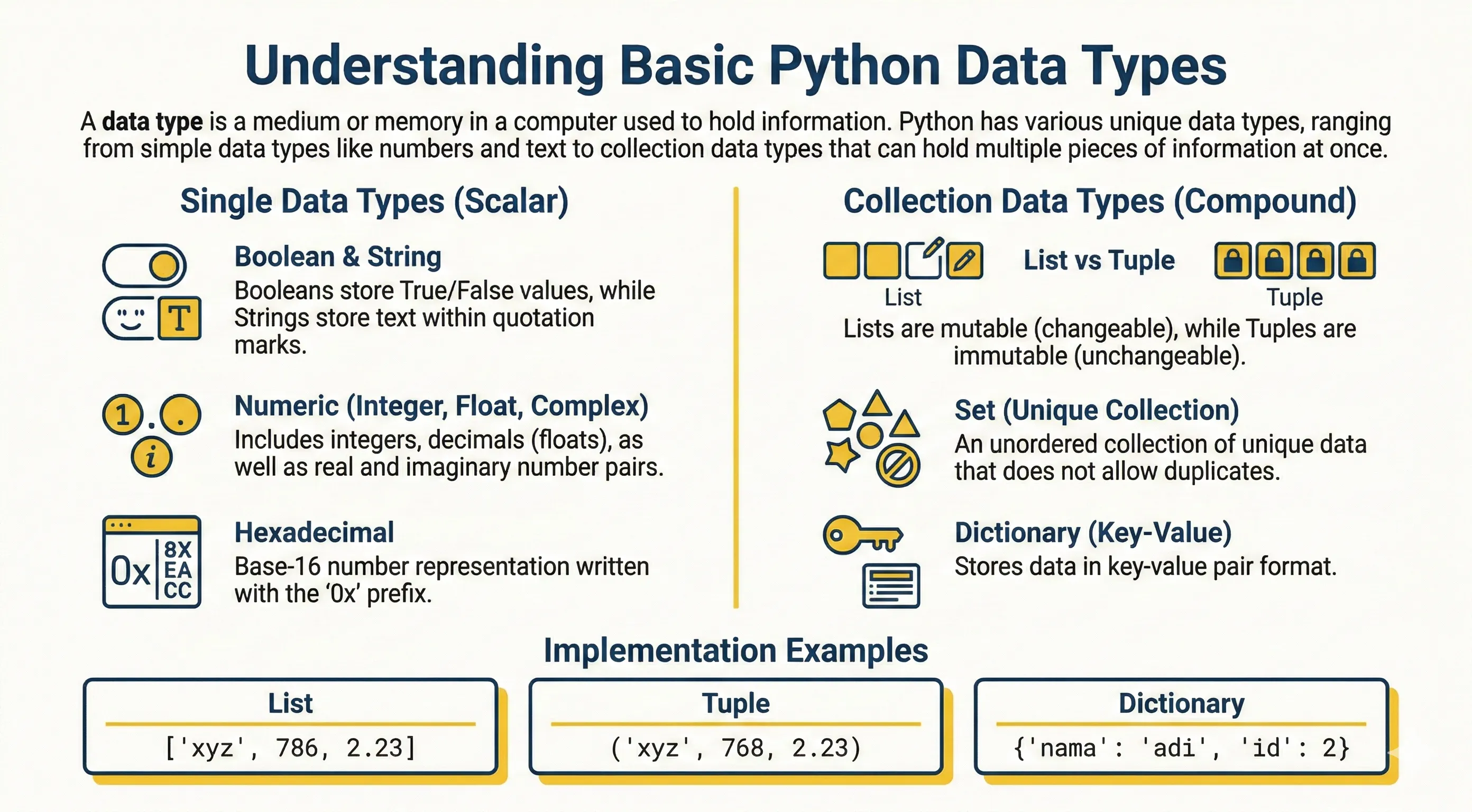
A data type classifies what kind of value something is — how it is stored and what operations you can perform on it.
Python's data types are similar to those in other programming languages, but the way you use them is specific to Python.
Here are the data types of the Python programming language:
| Data Type | Example | Explanation |
|---|---|---|
| Boolean | True or False |
Declares true True which has value 1, or false False which has value 0 |
| String | "Let's learn Python" |
Declares characters/sentences can be numbers, letters etc. (flanked by " or ') |
| Integer | 25 or 1209 |
Declares integers |
| Float | 3.14 or 0.99 |
Declares numbers that have decimal points |
| Integer (hex) | 0x9a or 0x1d3 |
An int written in hexadecimal (base 16) notation — not a separate type |
| Complex | 1 + 5j |
Declares pairs of real and imaginary numbers |
| List | ['xyz', 786, 2.23] |
Sequence data that stores various data types and its contents can be changed |
| Tuple | ('xyz', 768, 2.23) |
Sequence data that stores various data types but its contents cannot be changed |
| Set | {'apple', 'orange'} |
Unordered collection of unique data and cannot have duplicates |
| Dictionary | {'name': 'adi','id':2} |
Sequence data that stores various data types in the form of key and value pairs |
To try various kinds of data types, please try the Python scripts below.
Boolean
print(True)
print(False)
String
print("Let's learn Python")
print('Learning Python is Very Easy')
Integer and Float
print(20)       # integer
print(3.14)     # float
print(0x9a)     # hexadecimal (prints 154)
print(5j)       # complex number
List and Tuple
print([1, 2, 3, 4, 5])           # list (mutable)
print(["one", "two", "three"])

print((1, 2, 3, 4, 5))           # tuple (immutable)
print(("one", "two", "three"))
Set and Dictionary
print({1, 2, 3, 4, 5})               # set (unique elements)
print({"apple", "orange", "mango"})

print({"name": "Bob", "age": 20})     # dictionary (key-value)

profile = {"name": "Alice", "age": 21}
print(profile)
print(type(profile))  # <class 'dict'>
Checking the Type
Use the built-in type() function to find out which type a value has. To test whether a value is of a given type, use isinstance().
print(type(42))          # <class 'int'>
print(type(3.14))        # <class 'float'>
print(type("hello"))     # <class 'str'>
print(type([1, 2, 3]))   # <class 'list'>

print(isinstance(42, int))     # True
print(isinstance(42, str))     # False
Type Conversion (Casting)
Python does not automatically mix types — for example you cannot add a number to a string. Convert values explicitly with the type's constructor function: int(), float(), str(), bool(), list().
# Strings to numbers
age = int("25")
price = float("3.99")
print(age + 1, price * 2)     # 26 7.98

# Numbers to string
count = 10
message = "Count: " + str(count)
print(message)                # Count: 10

# Between number types
print(int(3.9))               # 3  (truncates, does not round)
print(float(7))               # 7.0
Note: Converting fails if the text is not a valid number.
int("abc")raises aValueError.
Values can also be tested for truthiness with bool(). Empty values (0, "", [], {}, None) are falsy; everything else is truthy.
print(bool(0))      # False
print(bool(""))     # False
print(bool("hi"))   # True
print(bool([1]))    # True