


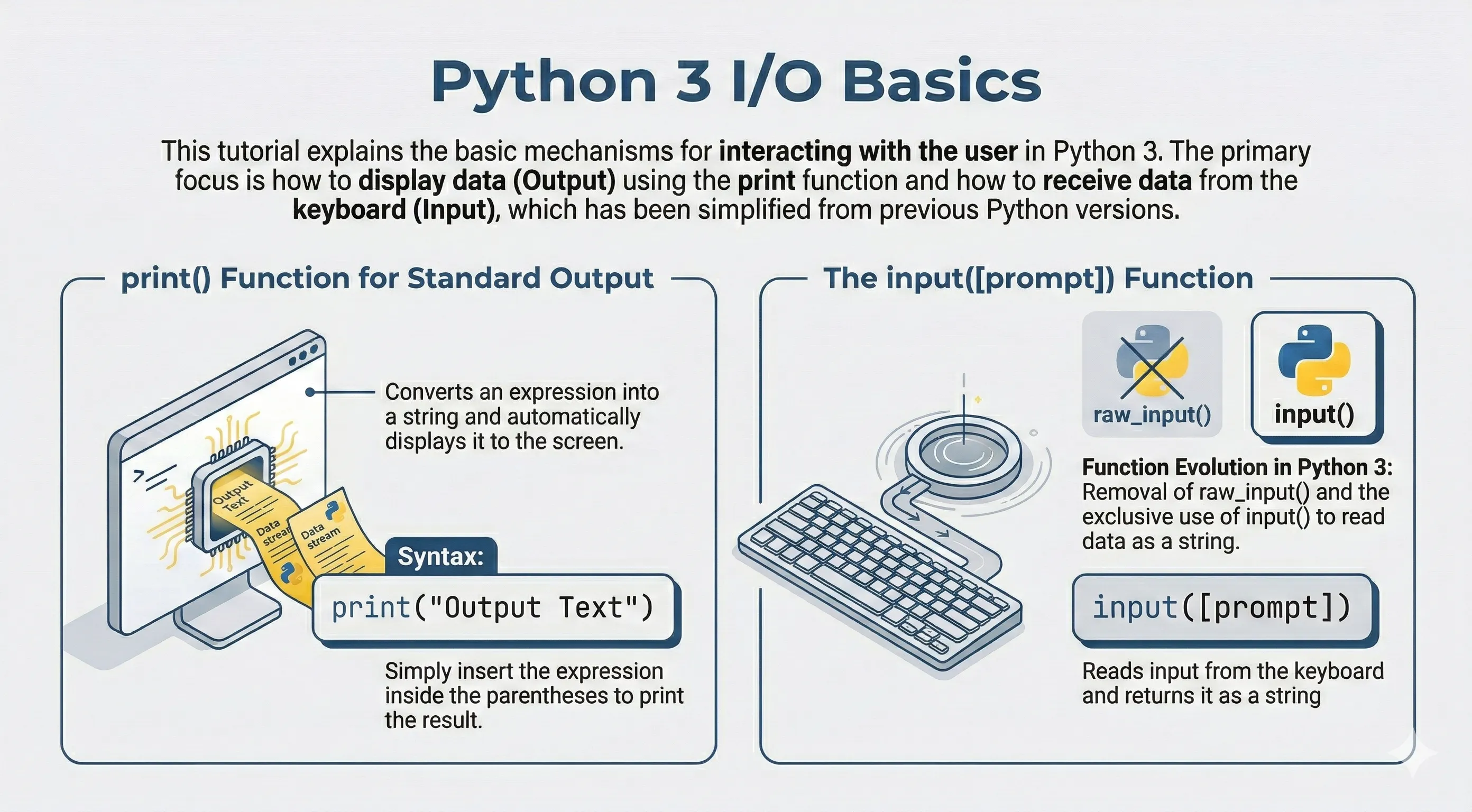
This section covers basic input/output operations in Python 3 — printing to the screen, reading keyboard input, and working with files on disk.
Output with print()
print() converts values to text and writes to standard output.
print("Python is a great programming language")
print("A", "B", "C", sep="-")
Keyboard Input with input()
In Python 3, input() always returns a string.
# Simulate values that usually come from input()
name = "Alice"
age = 24
print(f"Hello {name}, next year you are {age + 1}")
Opening a File
Everything starts with the built-in open() function. It takes the file path and a mode that says what you want to do, and returns a file object.
f = open("notes.txt", "w", encoding="utf-8")
f.write("learn python\n")
f.close()   # always close what you open
Always pass encoding="utf-8" for text files so your code behaves the same on every operating system.
File Modes
| Mode | Meaning |
|---|---|
"r" |
Read (default). Error if the file does not exist. |
"w" |
Write. Creates the file, or overwrites it. |
"a" |
Append. Adds to the end, keeps existing content. |
"x" |
Create a new file. Error if it already exists. |
"r+" |
Read and write. |
"b" |
Binary mode, combined with others ("rb", "wb"). |
"t" |
Text mode (default), combined with others. |
The with Statement (Recommended)
A file should always be closed when you are done. The with statement closes it for you automatically — even if an error happens inside the block — so you never have to call close() yourself.
with open("notes.txt", "w", encoding="utf-8") as f:
    f.write("learn python\n")
    f.write("File I/O is important\n")
# the file is closed here automatically
Reading Files
There are several ways to read text, depending on whether you want everything at once or line by line.
with open("notes.txt", "r", encoding="utf-8") as f:
    content = f.read()        # entire file as one string
    print(content)
Common read methods:
read()→ the whole file as a stringread(n)→ the firstncharactersreadline()→ a single line (including the trailing newline)readlines()→ a list where each item is one line
with open("notes.txt", "r", encoding="utf-8") as f:
    first = f.readline()
    print("First line:", first.strip())

with open("notes.txt", "r", encoding="utf-8") as f:
    lines = f.readlines()
    print("Number of lines:", len(lines))
Iterating Over a File
The cleanest and most memory-friendly way to process a file is to loop over it directly. It reads one line at a time, which works even for very large files.
with open("notes.txt", "r", encoding="utf-8") as f:
    for line in f:
        print(line.strip())
Writing and Appending
Opening with "w" overwrites the file; "a" keeps the existing content and adds to the end. Use writelines() to write a list of strings.
# Overwrite
with open("notes.txt", "w", encoding="utf-8") as f:
    f.write("line 1\n")

# Append
with open("notes.txt", "a", encoding="utf-8") as f:
    f.writelines(["line 2\n", "line 3\n"])

with open("notes.txt", "r", encoding="utf-8") as f:
    print(f.read())
Working with Binary Files
Add "b" to the mode to read or write raw bytes — for images, audio, or any non-text file. In binary mode you work with bytes, not str.
data = bytes([80, 121])   # the bytes for "Py"

with open("data.bin", "wb") as f:
    f.write(data)

with open("data.bin", "rb") as f:
    print(f.read())   # b'Py'
Checking and Removing Files
The os and pathlib modules let you check whether a file exists, get its size, and delete it.
import os

with open("temp.txt", "w", encoding="utf-8") as f:
    f.write("temporary\n")

print(os.path.exists("temp.txt"))   # True
print(os.path.getsize("temp.txt"))  # size in bytes

os.remove("temp.txt")
print(os.path.exists("temp.txt"))   # False
The modern pathlib API offers the same operations in an object-oriented style:
from pathlib import Path

path = Path("greeting.txt")
path.write_text("Hello from pathlib\n", encoding="utf-8")

print(path.read_text(encoding="utf-8"))
print(path.exists())   # True

path.unlink()          # delete the file
Safe JSON I/O Example
import json

data = {"name": "Alice", "level": "intermediate"}

with open("user.json", "w", encoding="utf-8") as f:
    json.dump(data, f, ensure_ascii=False, indent=2)

with open("user.json", "r", encoding="utf-8") as f:
    loaded = json.load(f)

print(loaded)