


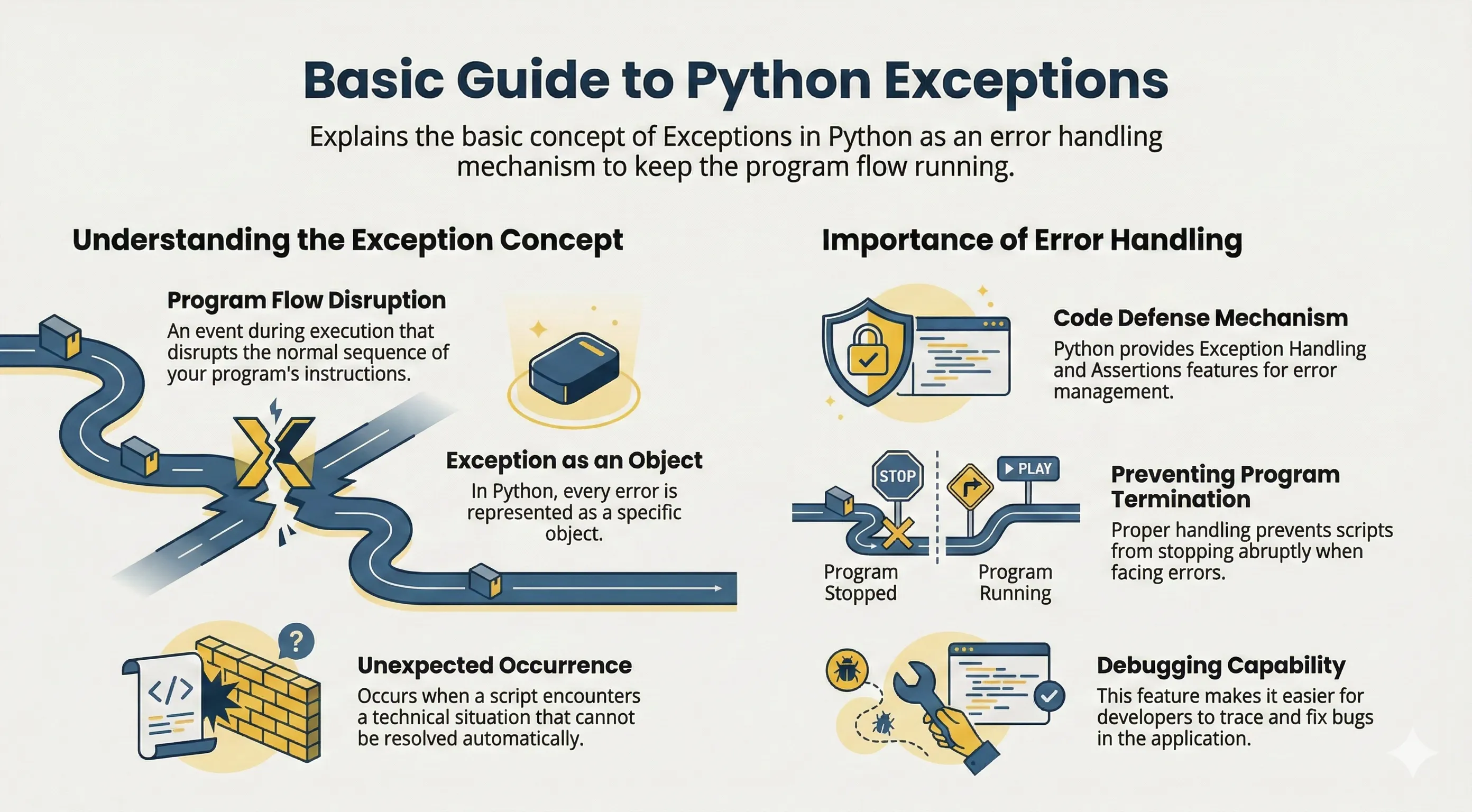
Exceptions are runtime errors that interrupt normal program flow. Python provides try/except to handle them safely.
Well-handled exceptions make programs more robust and produce clearer error messages for users.
Basic Exception Handling
for raw_value in ["5", "0", "oops"]:
    try:
        value = int(raw_value)
        print(10 / value)
    except ValueError:
        print("Input must be a number")
    except ZeroDivisionError:
        print("Cannot divide by zero")
Catch specific exceptions whenever possible. Avoid broad except Exception: unless you re-raise or log with clear context.
else and finally
elseruns when no exception occurs.finallyalways runs (cleanup code).
f = None

try:
    f = open("data.txt", "r", encoding="utf-8")
except FileNotFoundError:
    print("File not found")
else:
    print(f.read())
finally:
    if f is not None:
        f.close()
For file handling, with open(...) is usually simpler. Use finally when you must guarantee cleanup for resources that are not managed by with.
Raising Exceptions
Use raise when input/state is invalid:
def set_age(age):
    if age < 0:
        raise ValueError("Age cannot be negative")
    return age
Raising early keeps invalid data from flowing deeper into your program.
Custom Exceptions
class InvalidUsernameError(Exception):
    pass


def register(username):
    if len(username) < 3:
        raise InvalidUsernameError("Username must be at least 3 characters")
Custom exceptions make error handling clearer in larger applications, especially when different failure cases need different responses.
Common Built-in Exceptions
| Name | Typical case |
|---|---|
Exception |
Base class for most exceptions |
ValueError |
Correct type, wrong value |
TypeError |
Wrong type for operation/function |
KeyError |
Key not found in dictionary |
IndexError |
Index out of range |
FileNotFoundError |
File path not found |
PermissionError |
No permission to access file/resource |
OSError |
OS-level errors |
ImportError / ModuleNotFoundError |
Import failure |
AssertionError |
assert statement failed |
StopIteration |
Iterator exhausted |
EOFError |
No more input available |
Assertions (assert)
Assertions are useful for internal sanity checks while developing:
def divide(a, b):
    assert b != 0, "b must not be zero"
    return a / b
Use assertions to catch programmer mistakes, not to validate user input. Assertions can be disabled with optimization flags (for example python -O).
Notes for Python 3
IOErrorandEnvironmentErrorare aliases ofOSError.StandardErrorno longer exists in Python 3.- For concurrent code, Python also supports
ExceptionGroupandexcept*.
Common Errors
- Using bare
except:and accidentally hiding real bugs. - Catching the wrong exception type (handler never runs).
- Swallowing errors without logging, which makes debugging difficult.