


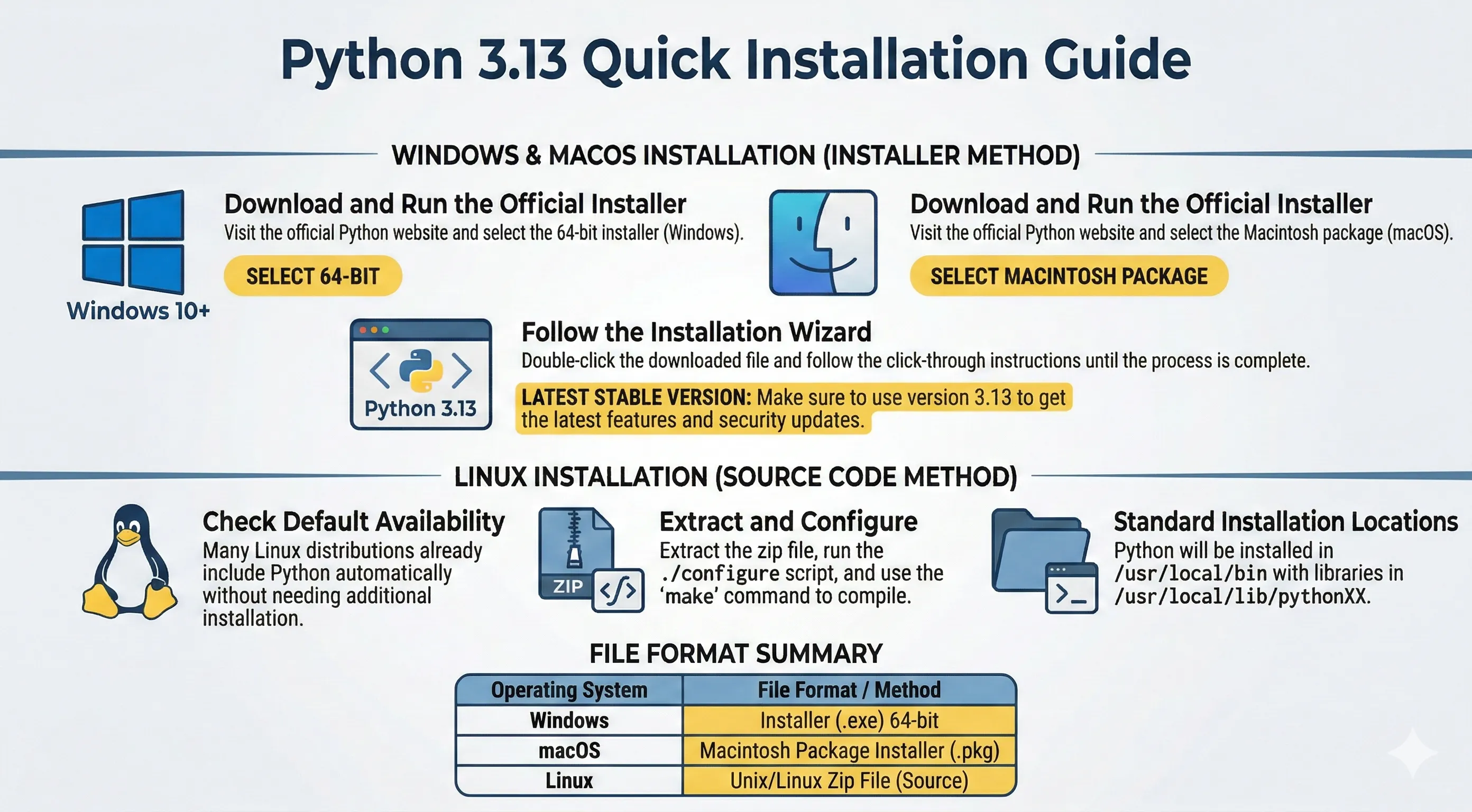
Before writing Python programs, install Python and verify that your terminal can run it.
This tutorial targets Python 3.13.
Linux
Most Linux distributions already include Python 3. Check first:
python3 --version
If Python is missing or too old, install from your distro package manager or from python.org source releases.
Common package-manager examples:
# Debian/Ubuntu
sudo apt update
sudo apt install python3 python3-pip python3-venv

# Fedora
sudo dnf install python3 python3-pip

# Arch Linux
sudo pacman -S python python-pip
Windows
- Open Python releases for Windows.
- Download a Python 3.13 installer (64-bit unless you need 32-bit).
- Run the installer.
- Enable "Add python.exe to PATH" before clicking Install.
Verify installation in Command Prompt or PowerShell:
python --version
macOS
- Open Python releases for macOS.
- Download and run the Python 3.13 installer.
- Complete the installation wizard.
Verify installation in Terminal:
python3 --version
If you use Homebrew, you can also install Python with:
brew install python
Verify pip
pip is usually installed with Python. Check with:
python -m pip --version
# or
python3 -m pip --version
If both Python and pip commands work, your environment is ready for the next tutorial.