


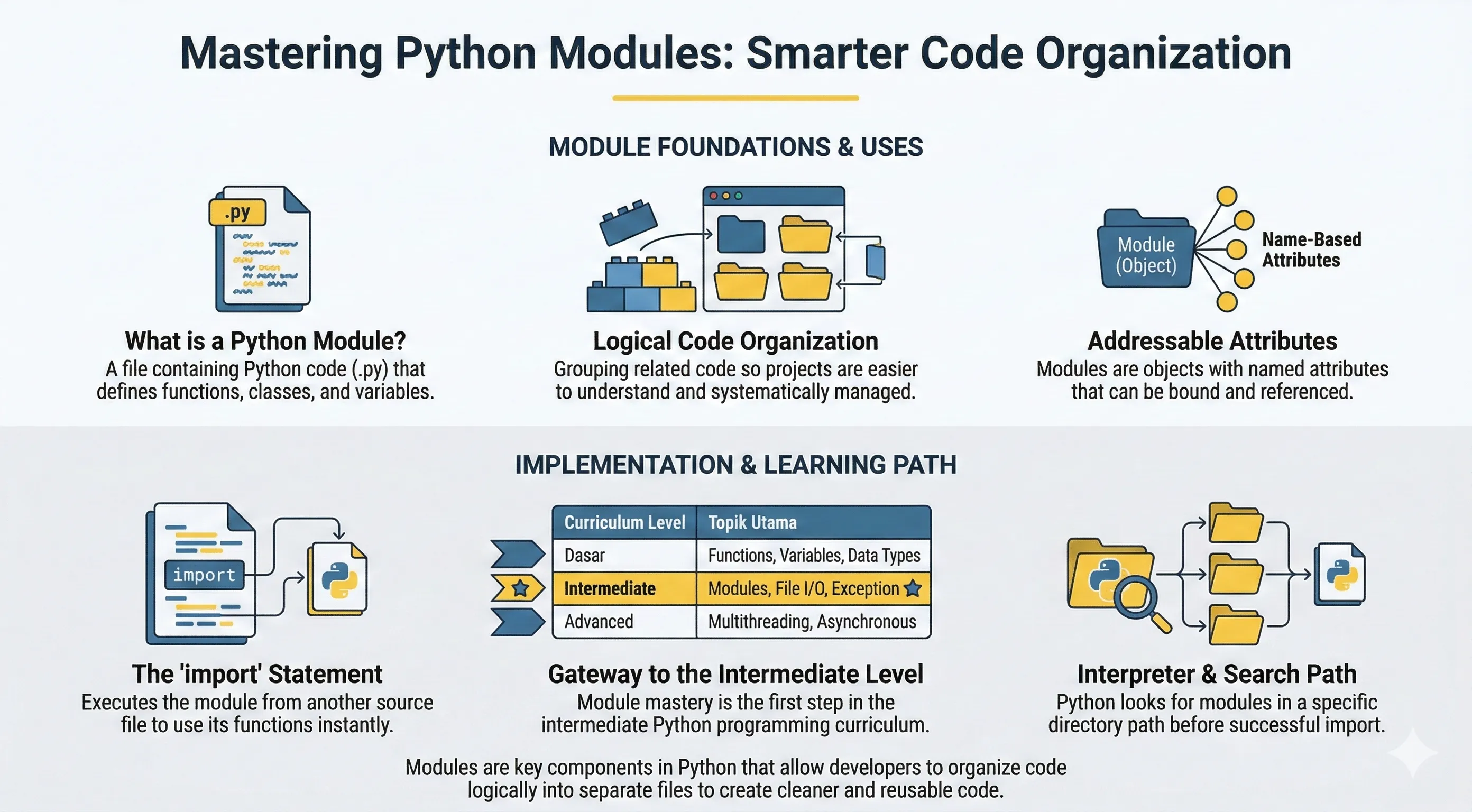
A module is a Python file (.py) that contains functions, classes, and variables you can reuse in other files.
Using modules helps you split large programs into smaller, focused files and avoid duplicated code.
Creating a Simple Module
Create support.py:
def print_func(name):
    print(f"Hello: {name}")
Keep module names simple (support.py, math_utils.py) and avoid hyphens/spaces in file names.
Import Statement
Use import to load a module:
support.py in the same folder before running this code.# non-runnable: requires external environment/setup
import support
support.print_func("Andy")
import support keeps names scoped under support. and makes the origin of each function clearer.
Common Import Variants
# non-runnable: requires external environment/setup
from support import print_func
print_func("Bob")

import support as sp
sp.print_func("Carol")
Use from module import name when you only need a few symbols. Avoid wildcard imports (from x import *) because they make code harder to read and debug.
Module Search Path
When you run import module_name, Python searches in:
- Current script directory
PYTHONPATHentries- Standard library and site-packages
You can inspect current paths:
import sys
print(sys.path)
If you see ModuleNotFoundError, run the script from your project root and verify the module file is in one of these paths.
__name__ == "__main__"
A module can behave differently when executed directly vs imported:
def main():
    print("Run as script")

if __name__ == "__main__":
    main()
- Run directly:
python support.py->main()runs - Import from another file:
main()does not run automatically
Packages
A package groups related modules inside a directory.
Example structure:
project/
  app.py
  helpers/
    __init__.py
    math_utils.py
Use:
# non-runnable: requires external environment/setup
from helpers.math_utils import add
__init__.py marks the folder as a package and helps tools resolve imports consistently.
Inspecting Module Members
Use dir() to inspect names exported by a module:
import math
print(dir(math))
Common Errors
ModuleNotFoundError: wrong working directory or module path.ImportError: circular import or symbol not exported.- Name conflict: your file has the same name as a standard/third-party module (for example
random.py).